Turn a WhatsApp link into your professional agenda. Your client books and is confirmed, with nothing to download.
Free to start · No credit card
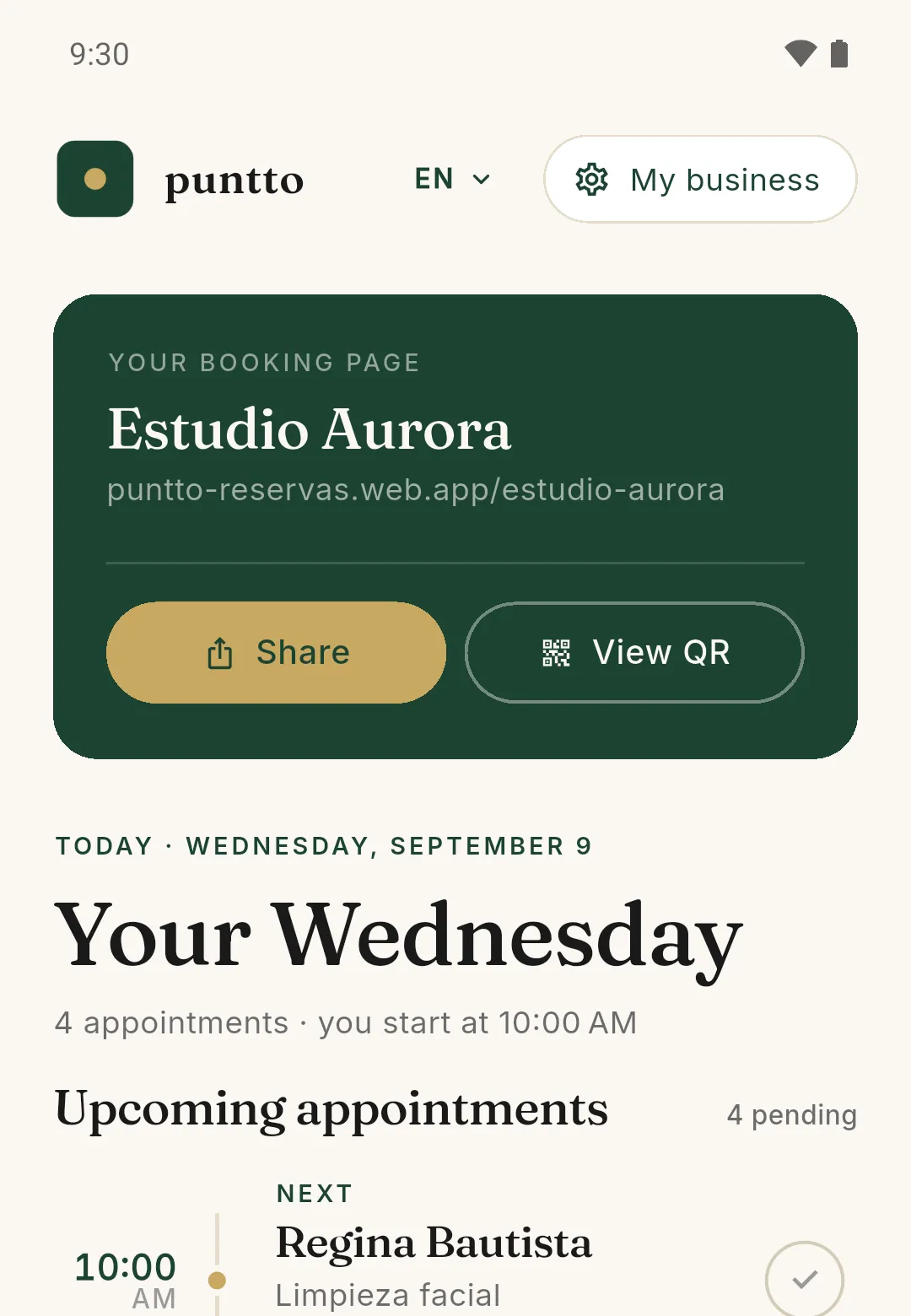
Set up your business in 5 minutes and share your link over WhatsApp, Instagram, or wherever your clients are.
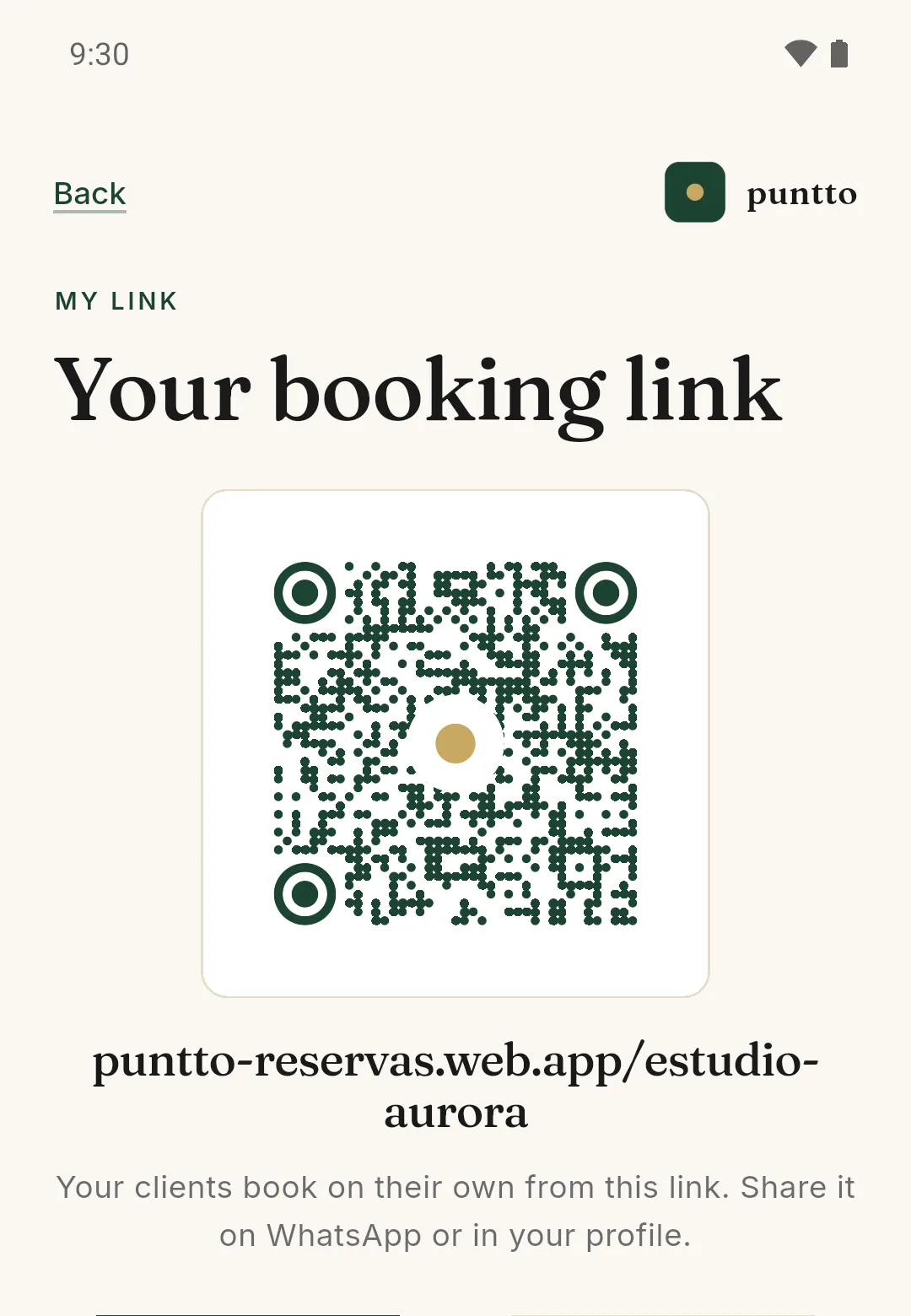
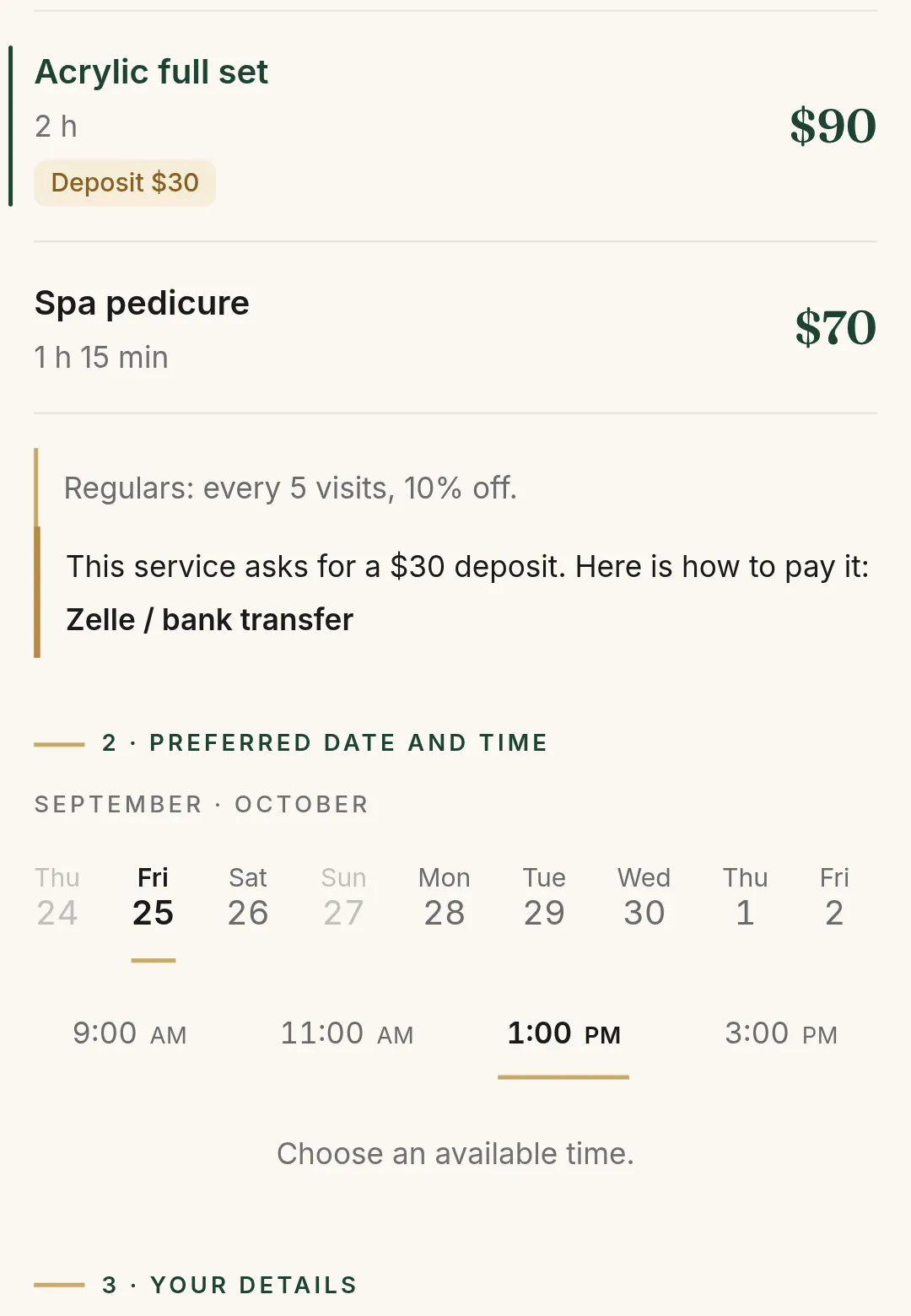
They open your link, pick a service and a time, and see the deposit if that service asks for one. All from their browser.
The request reaches you, you confirm it with one tap, and the appointment lands in your agenda.
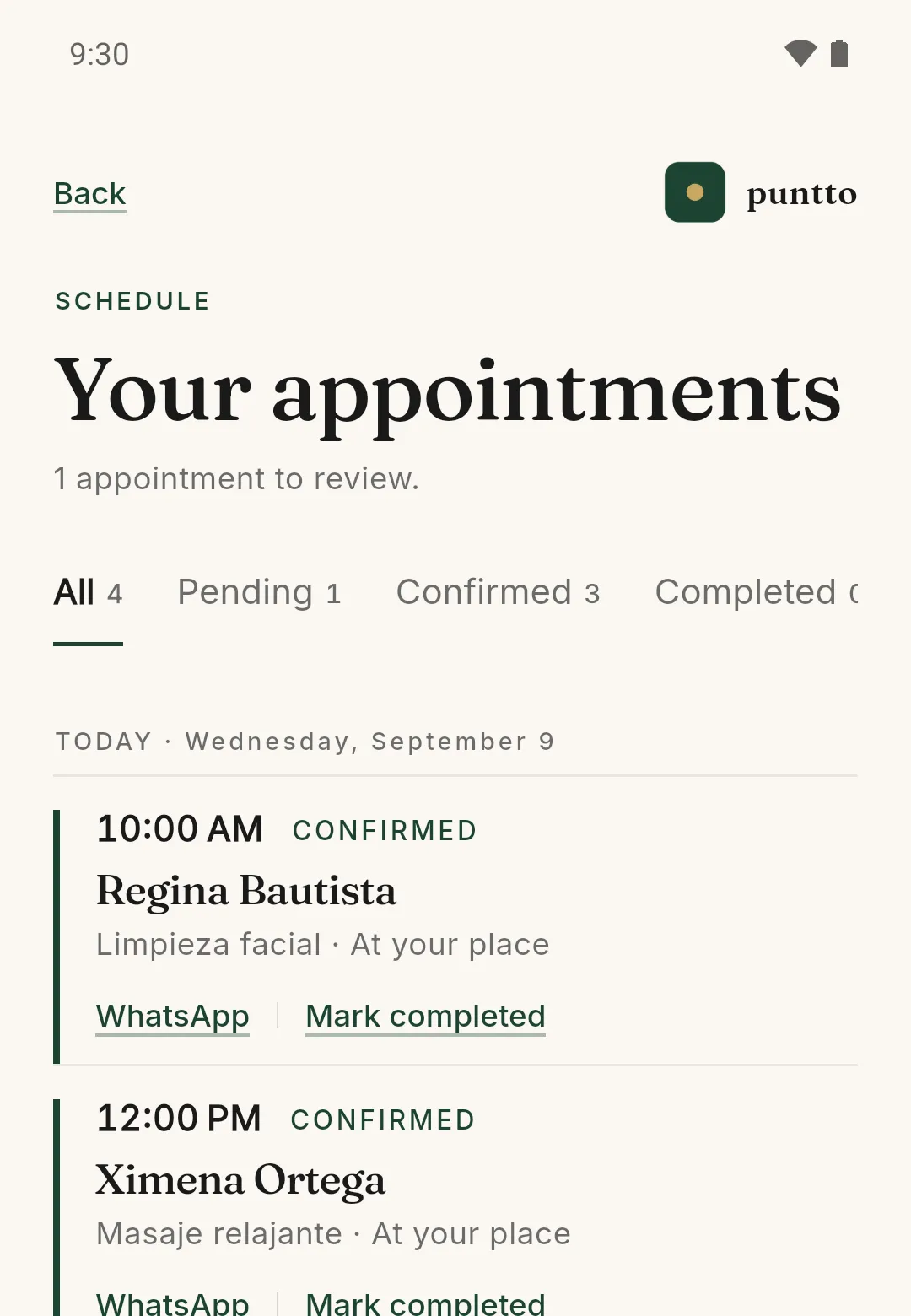
From sharing your link to a full agenda, in three steps.
Your client
You send your link over WhatsApp and they book right there, from their browser. No appointment is lost because someone had to install something.
Your money
You flag which services ask for a deposit, and how much. Your client sees it while picking a time, before confirming, and you tell them how to pay it. The money conversation stops being a message at ten at night.
Your brand
Your link, your name, your services. Your clients see your business, not someone else’s logo.


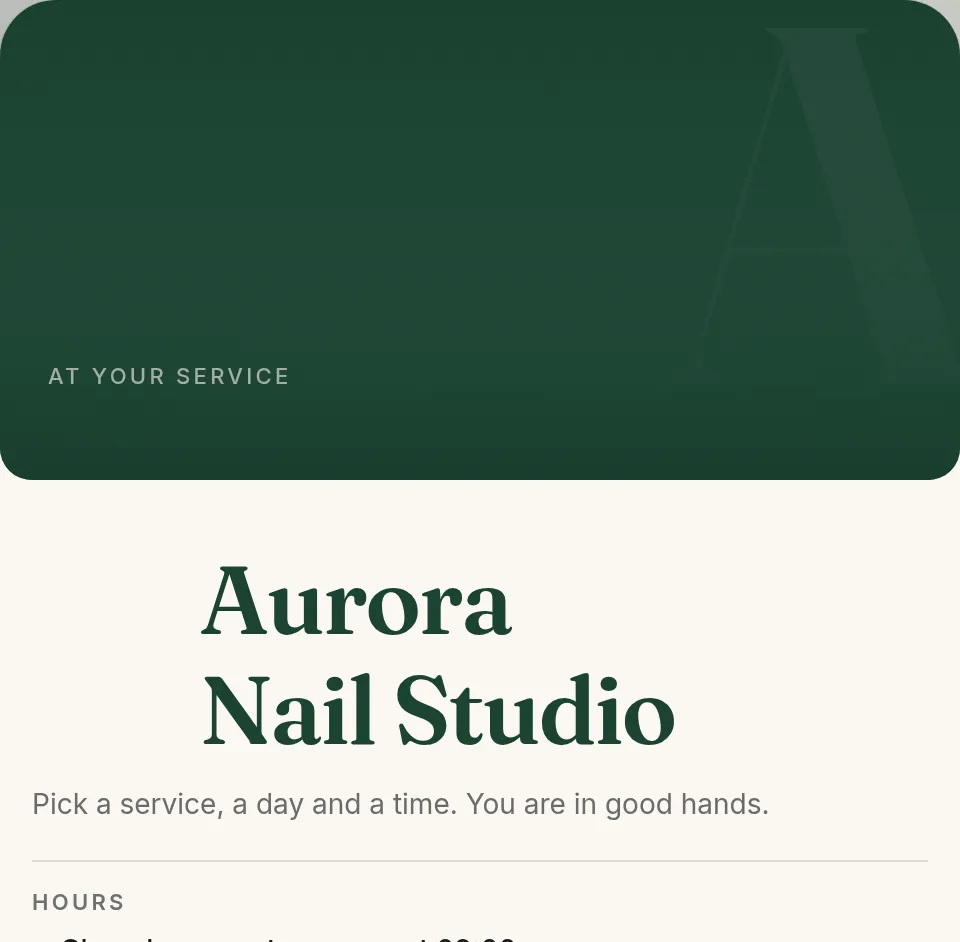


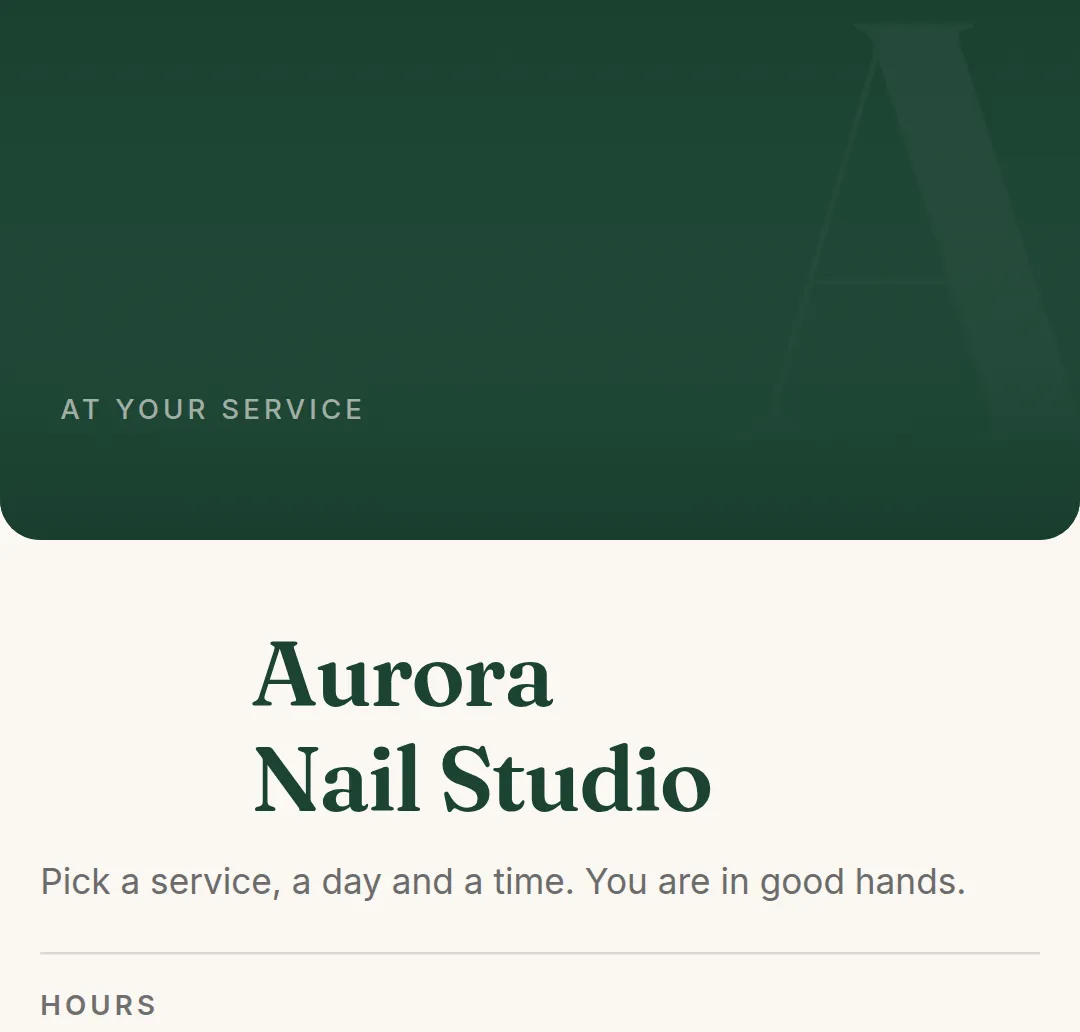


No features nobody uses. Only what fills your agenda.
Who it is for
Barbers Nail artists Tattooists Massage therapists Tutors Photographers Dentists Nutritionists Trainers Therapists Makeup artists Vets
It does not matter what you do: if your day runs on appointments, this is your agenda.
To work with your whole agenda, without paying anything.
Unlimited appointments and services · Your booking page with a link and a QR code · Appointments and their states · Your opening hours · WhatsApp contact · In Spanish, English, Portuguese and French
For the business that already lives off its agenda.
Everything in Free · A loyalty program · At-home services · Reminders for the day’s appointments · Flag which services ask for a deposit and how much · Your photo and cover on your page · Your link with your business name · Your page without the Puntto brand
No contracts and no fine print. You change plans the day you need to. It is charged through Google Play and cancelled there too.
Puntto is available across much of the Americas, and in each country Google Play charges in the local currency. The price above is the one in Mexico, so you have a reference; Play shows you yours before you confirm.
On the yearly plan it is $1,490 MXN a year, $298 less than paying month to month.
No. Your client opens your link in their browser, picks a service and a time, and is confirmed. No apps and no passwords.
The Free plan is free for good, with unlimited appointments and services. The Pro plan costs $149 MXN a month in Mexico and adds the tools for a business that already lives off its agenda. In other countries Google Play charges in your own currency and shows you the amount before you confirm.
You flag which services ask for a deposit, and you can say how much. Your client sees it before confirming, and you tell them how to pay it: you arrange the payment with them directly, it does not go through Puntto. It is a Pro plan feature.
Puntto is made by one person: me, Alejandro. I design the app, I write the code and I answer the messages. If something does not work the way you expected, write to me and we will look at it.
Now. The app is on Google Play and the Free plan is free for good. You download it, set up your business and share your link the same day.
If your week is organised around appointments, yes. Puntto is not built for one trade: it is built for the agenda. If your clients hold a time with you, it is for you.
If yours is missing, write to me directly on WhatsApp